SEO Audit Checklist: What to Check First, and What to Skip
Most SEO audits are 80 pages of warnings nobody reads. Here is the short checklist I actually use, in the order that fixes traffic fastest, with the free tool for each check and a final step most audits still forget: AI visibility.

Published · Updated · 13 min read
Contents
- What is an SEO audit, and what should it find?
- In what order should you run an SEO audit?
- How do you check crawling and indexing?
- Which checks matter most, and with which free tool?
- What should you check on each important page?
- How do you audit internal links and backlinks?
- Should an SEO audit include AI visibility?
- What do most SEO audits get wrong?
- What do you do with the audit results?
- FAQ
An SEO audit checklist is only useful if it tells you what to check first. Before Sorank, I ran an SEO agency that served more than 100 clients, and the pattern I keep seeing in audits is the same: a long PDF from a crawler, hundreds of warnings, and no order. Without priorities, nothing gets fixed. Google itself warns that results take time: its SEO Starter Guide says some changes show up in hours and others in months. So the order in which you fix things decides when you see results.
This guide is the checklist I would hand to a founder or a marketing lead today. It is short on purpose. Each section answers one question, gives the free tool to use, and says what breaks if you skip it. At the end, I add the step that most checklists still ignore: checking whether ChatGPT, Gemini and the other AI assistants can find and cite you.
What is an SEO audit, and what should it find?
An SEO audit is a structured review of a website that finds what stops Google from crawling, indexing, understanding and trusting your pages. Its output should be a short, ranked list of fixes, not a score. If an audit does not tell you which three things to fix this week, it is a report, not an audit.
A good audit answers five questions, in this order:
- Can search engines reach my pages? Robots.txt, server errors, redirects, JavaScript rendering.
- Are the right pages indexed? And only those: no duplicates, no thin filter pages, no staging site.
- Does each important page match a real search? One page per intent, a clear title, content that answers the question.
- Do links send authority to the pages that sell? Internal links first, backlinks second.
- Are you visible where buyers now ask? Google's AI features, ChatGPT, Gemini, Perplexity, Claude, Grok.
Everything else (a missing alt text on a footer logo, a 63 character title) is detail. Useful detail, but detail.
In what order should you run an SEO audit?
Run it in order of dependency: crawl, then indexing, then pages, then links, then AI visibility. Each layer depends on the one below. A beautifully written page that is blocked by robots.txt earns nothing, and a strong backlink pointing to a page that is not indexed is wasted.
In practice, I give the first hour to steps 1 and 2, because that is where the cheap, high impact fixes hide. A noindex tag left after a redesign, a whole folder disallowed, a canonical pointing to the home page: these take five minutes to fix and can bring back traffic in days. Steps 3 and 4 take weeks. Step 5 is new, and it is where you get ahead of competitors who still audit like it is 2019.
How do you check crawling and indexing?
Start in Google Search Console, not in a crawler. Its Page indexing report shows which URLs Google indexed, which ones it left out, and why. A crawler shows what could be wrong. Search Console shows what Google actually did.
Here is my routine for this part:
- Open the Page indexing report. Google's help page for this report lists every reason a page can be excluded. Look at the big buckets first: "Crawled, currently not indexed", "Duplicate without user-selected canonical", "Excluded by noindex tag". A sudden jump in one of them is your first lead.
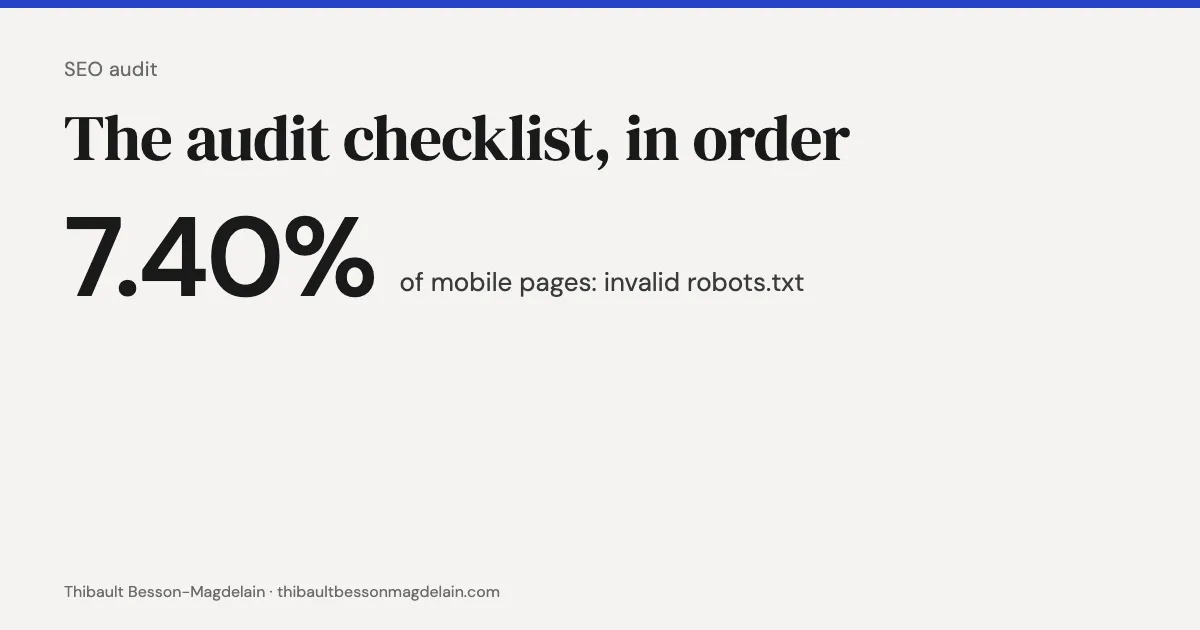
- Read your robots.txt. Open yourdomain.com/robots.txt and read it line by line. It is not a formality: in the 2024 Web Almanac SEO chapter, Lighthouse found an invalid robots.txt on 8.43% of desktop pages and 7.40% of mobile pages.
- Check canonicals on your key templates. The same Web Almanac reports canonical tags on 65% of mobile pages and 69% of desktop pages, so roughly one page in three still has none. On an online store with filters, that is how you end up with thousands of near identical URLs.
- Compare your sitemap with reality. The XML sitemap should list only indexable pages that return a 200 status. Redirects, 404s and noindex pages in a sitemap send mixed signals.
- Test rendering. Use the URL Inspection tool on one page of each template and look at the rendered HTML. If your main text or links only appear after JavaScript runs, check that Google sees them.
My opinion: if you only have one hour, spend it here. The fastest traffic recoveries usually come from undoing a technical mistake made during a redesign or a migration, not from new content.
Which checks matter most, and with which free tool?
The checks that matter most are the ones that can remove pages from Google entirely: blocked crawling, wrong noindex or canonical tags, server errors and broken redirects. Then come the ones that decide rankings: intent match, titles, internal links and speed. Every check below can be done with a free tool.
| Check | Free tool | What breaks if you skip it | Priority |
|---|---|---|---|
| Robots.txt and blocked folders | Search Console robots.txt report | Whole sections never crawled | Critical |
| Noindex and canonical tags | URL Inspection, a crawler | Pages silently dropped from Google | Critical |
| Status codes and redirects | Search Console, a crawler | Lost links after a migration | Critical |
| Indexing coverage | Page indexing report | Thin or duplicate pages diluting the site | High |
| Title and intent per page | Search Console Performance report | Two pages competing for one query | High |
| Internal links to money pages | A crawler, Search Console Links report | Key pages buried and weak | High |
| Core Web Vitals | PageSpeed Insights, Search Console | Poor experience on mobile | Medium |
| Structured data | Rich Results Test | No rich results, weaker entity signals | Medium |
| Backlink profile | Search Console Links report | Missing authority on key pages | Medium |
| AI visibility | Manual prompts in each AI | Competitors recommended instead of you | High, and rising |
For speed, use Google's own thresholds rather than a tool's color code. According to web.dev, a good experience means a Largest Contentful Paint within 2.5 seconds, an Interaction to Next Paint of 200 milliseconds or less and a Cumulative Layout Shift of 0.1 or less, measured at the 75th percentile of page loads. If your pages pass on mobile, move on. Chasing a perfect 100 score is a classic audit time sink.
What should you check on each important page?
For each page that brings or should bring business, check that it targets one search intent, says so in its title and H1, and answers the question better than the pages that rank. Do not audit every page the same way: audit your 20 most valuable pages deeply, and the rest by template.
The page checklist I use:
- One intent per page. In the Search Console Performance report, filter by page and look at the queries. If two of your pages show up for the same main query, you have cannibalization: merge them or separate their angles.
- Title and H1. The main keyword near the start, a reason to click, and no duplicate titles across pages. Titles are present on 98.2% of mobile pages according to the Web Almanac, so having one is not the issue. Having a good, unique one is.
- The answer comes first. The first paragraph should answer the query directly. It helps users, it helps Google, and it is exactly what AI assistants quote.
- Evidence. Numbers with a source, a named author, a date. Google's guidance on helpful, reliable, people-first content is a good self-assessment list for this step.
- Images. The median mobile site in the Web Almanac gave alt text to 58% of its images. Fix the ones that carry meaning, ignore decoration.
Skip what Google told us to skip. The starter guide is explicit:
"Google Search doesn't use the keywords meta tag."Google Search Central, SEO Starter Guide
An audit that flags missing meta keywords in 2026 tells you more about the tool than about your site. If you need a starting point for the keyword side, I wrote a guide on free keyword research with Search Console and autocomplete.
How do you audit internal links and backlinks?
Audit internal links first, because you control them completely and they move faster than backlinks. Check that every money page is linked from relevant pages with descriptive anchors, and that no important page is orphaned (no internal link pointing to it).
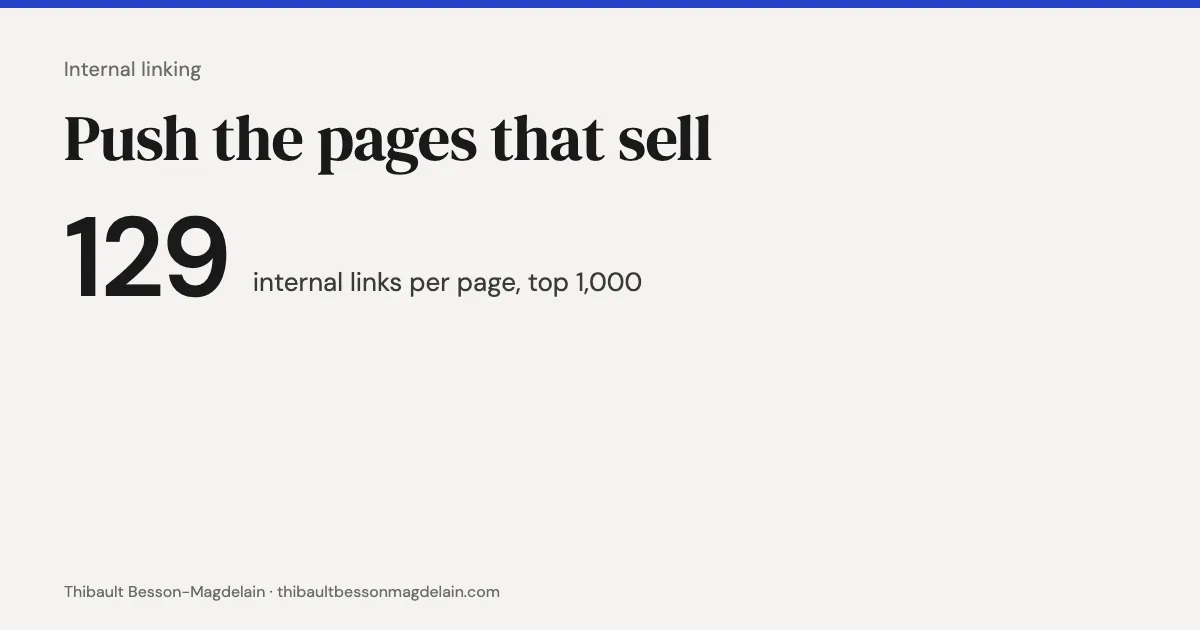
Internal links are not rare on big sites: the Web Almanac reports a median of 129 internal links per mobile page among the top 1,000 sites, up from 106 in 2022. The question is not how many, it is where they point. Most of the time, the home page and the blog get all the links while the service or product pages that make money get almost none. I detailed the method in my guide on internal linking.
For backlinks, the free Links report in Search Console is enough for an audit. Look at three things:
- Which pages receive links. Usually the home page. If your key pages get none, that is your link building brief.
- Who links to you. A handful of relevant, real sites beats hundreds of directories nobody visits.
- Anchor text. A profile where most anchors are exact match keywords looks manufactured.
What to do next is the subject of my article on link building that still works.
Should an SEO audit include AI visibility?
Yes. Buyers now ask ChatGPT, Gemini, Perplexity, Claude and Grok for recommendations, and these assistants name a few companies and back them with links to other websites. An audit that only looks at Google misses the place where part of the shortlist is now made.
The models do not behave the same. In Sorank's public dataset of 498,158 AI answers (snapshot of 2 November 2026), the number of sources cited per answer varies by more than three times from one model to another.
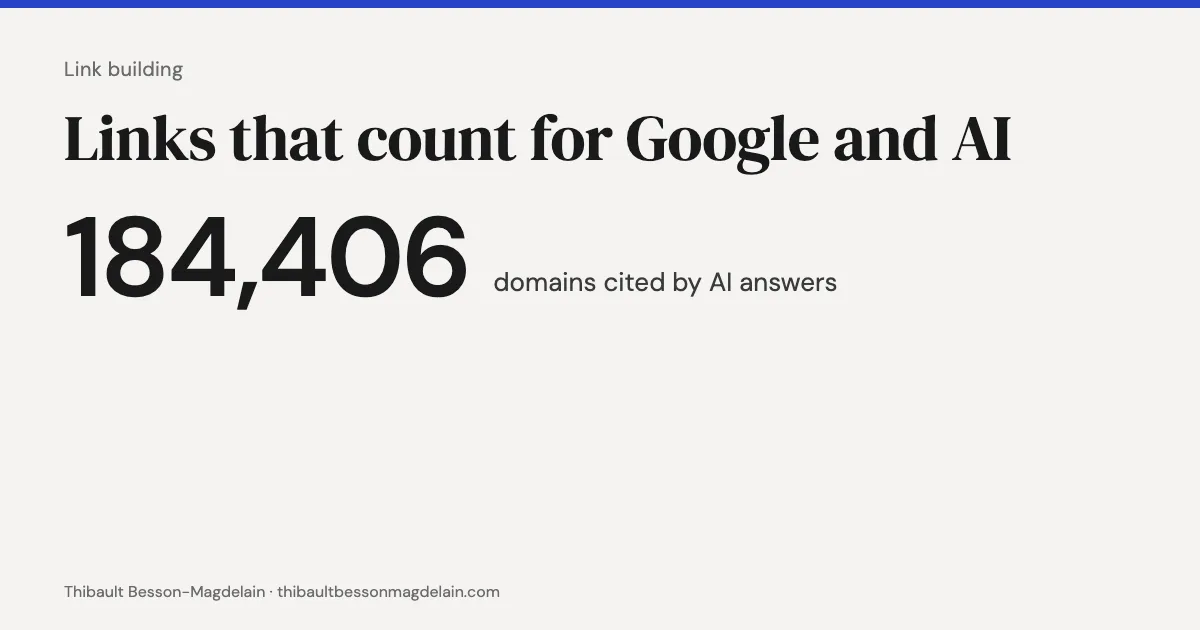
Across all models, the dataset holds 2,527,026 citations spread over 184,406 different domains, and the most cited sites are review platforms, official websites, Wikipedia and directories, not the companies' own sites. I broke this down in which sources AI cites. For an audit, that means three extra checks:
- Can AI crawlers read your pages? Check robots.txt for GPTBot, ClaudeBot, PerplexityBot and Google-Extended, and check that your content is in the HTML, not only rendered by JavaScript.
- What do AIs say when buyers ask? Ask 10 real buyer questions to each model and note who is named and which links are given.
- Are you on the sources they cite? Review platforms, directories, comparison sites in your market. An AI cannot cite a profile that does not exist.
The manual version takes an hour. If you want it every week across the five models, that is what Sorank's AI mention tracking does.
What do most SEO audits get wrong?
Most audits fail because they list problems without ranking them. A crawler finds 4,000 "issues", the audit lists them all, and the team fixes the easy ones (alt texts, title lengths) instead of the one that matters (a canonical pointing to the wrong URL on every product page).
The mistakes I see most often in audits:
- Treating a tool score as a goal. A health score of 92 means nothing to Google. Indexed pages, clicks and leads do.
- No business context. The audit never asks which pages make money, so it treats a tag archive like a product page.
- Templates audited page by page. If 3,000 product pages share one template, it is one fix, not 3,000.
- No baseline. Without a snapshot of clicks, indexed pages and rankings before the fixes, you cannot prove anything worked.
- No owner and no date. A fix without a person in charge does not happen.
My take: a one page audit with ten ranked fixes, an owner and a date beats a 200 page PDF every time.
What do you do with the audit results?
Turn the findings into a ranked list scored on impact and effort, fix the critical items within a week, and re-check in Search Console after four to six weeks. Then repeat the audit lightly every quarter, and fully once a year or after any migration.
A simple way to rank: give each fix a score from 1 to 3 for impact (does it affect indexing, rankings of money pages, or just polish?) and 1 to 3 for effort. Start with high impact and low effort. Write the baseline numbers next to each item: indexed pages, clicks on the affected pages, and for AI visibility, how often you are named in your test prompts.
For tracking, you need two views. Search Console for Google, and a monthly check of AI answers. You can keep both in a spreadsheet. If you prefer one dashboard for Google rankings and AI mentions, see what is included on the Sorank pricing page, and the technical SEO audit glossary entry if you need the vocabulary.
So, what should an SEO audit checklist include?
A useful SEO audit checklist checks crawling, indexing, the intent of your key pages, internal links and backlinks, then AI visibility, in that order, and ends with ten ranked fixes that each have an owner and a date. The free tools are enough: Search Console, PageSpeed Insights, a crawler and an hour of prompts in each AI. What makes the audit work is the order and the follow-up, not the length.
Start with the page that matters most to your business today. Run Sorank's free on-page audit on it, then work up the pyramid.
Sources
- Google Search Central, "SEO Starter Guide": delays before impact, meta keywords not used.
- HTTP Archive, Web Almanac 2024, SEO chapter: robots.txt validity, canonical tags, titles, alt text, internal links.
- web.dev, "Web Vitals": Core Web Vitals thresholds.
- Search Console Help, "Page indexing report": reasons pages are not indexed.
- Google Search Central, "Creating helpful, reliable, people-first content": content self-assessment.
- Sorank Data, snapshot of 2 November 2026: citations per answer by AI model.
FAQ
How do I do an SEO audit myself?
Start in Google Search Console: read the Page indexing report, then your robots.txt, canonicals and sitemap. Next, review your 20 most valuable pages for intent, title and content, check internal links to them, and look at the Links report. Finish by asking your buyers' questions to the main AI assistants. Rank every finding by impact and effort.
How long does an SEO audit take?
For a small site, the critical checks (crawling and indexing) take about an hour, and a full audit of key pages takes a day or two. Large online stores or sites after a migration need more, mostly because of templates and redirects. The fixes then take weeks, and Google says some changes take several months to show.
How often should you do an SEO audit?
A light check every quarter (indexing report, top pages, Core Web Vitals) and a full audit once a year. Always run one before and after a redesign, a CMS change or a domain migration, because that is when the most damaging technical mistakes happen.
Founder of Sorank, the SEO and GEO platform that tracks how ChatGPT, Gemini, Perplexity, Claude and Grok talk about brands. Before Sorank, I ran an SEO agency that served more than 100 clients. Based in Budapest.
Read next
-
Link Building: What Still Works, and What Now Feeds AI Answers
Link building that still works: digital PR on your own data and profiles on the sites AI assistants cite.
-
Internal Linking: A Simple Method to Push the Pages That Sell
My internal linking method: money pages, topic hubs, anchors, orphan pages and links AI crawlers can follow.
-
Free Keyword Research: How to Find the Right Keywords Without Paid Tools
Free keyword research with Search Console, autocomplete, Google Trends and AI prompts, turned into a keyword map.
Continue on SEO: all articles on the blog